What to upload
- Photos: 3-10 per listing. Include a full-look photograph and a closer detail photograph. Add another useful angle, such as the back, sides or sleeve details.
- A person or a mannequin is fine. Show the actual garment being sold, with accurate colour, material and finishing.
- Video: 10-60 seconds. Show a full 360-degree view: front, both sides and back. Turn slowly or move the camera around the mannequin; keep the complete garment in frame.
- Uploaded listing videos play muted on AFH. Do not rely on music or spoken instructions. Put essential garment information in the listing description.
- Use steady, clear shots and even lighting. Avoid filters that change the colour, slideshows instead of garment footage, or overlays that hide the outfit.
Sample media disclaimer. These sample photos and videos were sourced from Instagram and belong to their respective owners, not AFH. They are presentation references, not media to reuse in your listing. Their inclusion does not imply affiliation or endorsement. Upload only media you own or have permission to use, including permission from anyone featured.
One outfit, three useful views. A person or a mannequin is welcome: keep the complete garment in the full-look photograph, then move closer to show the finish.
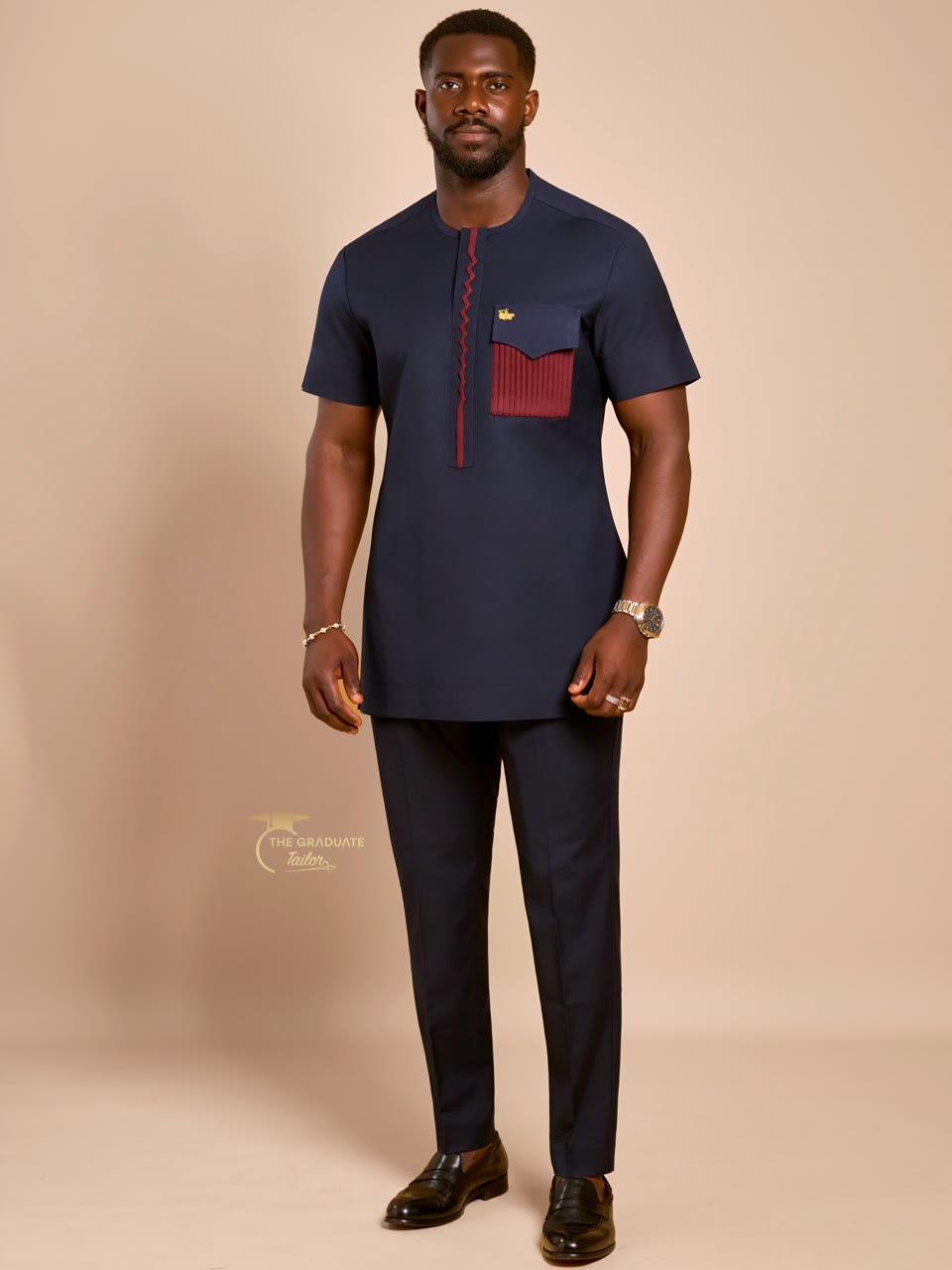
Show the whole outfit, including the trousers and hem, without cutting off the garment.
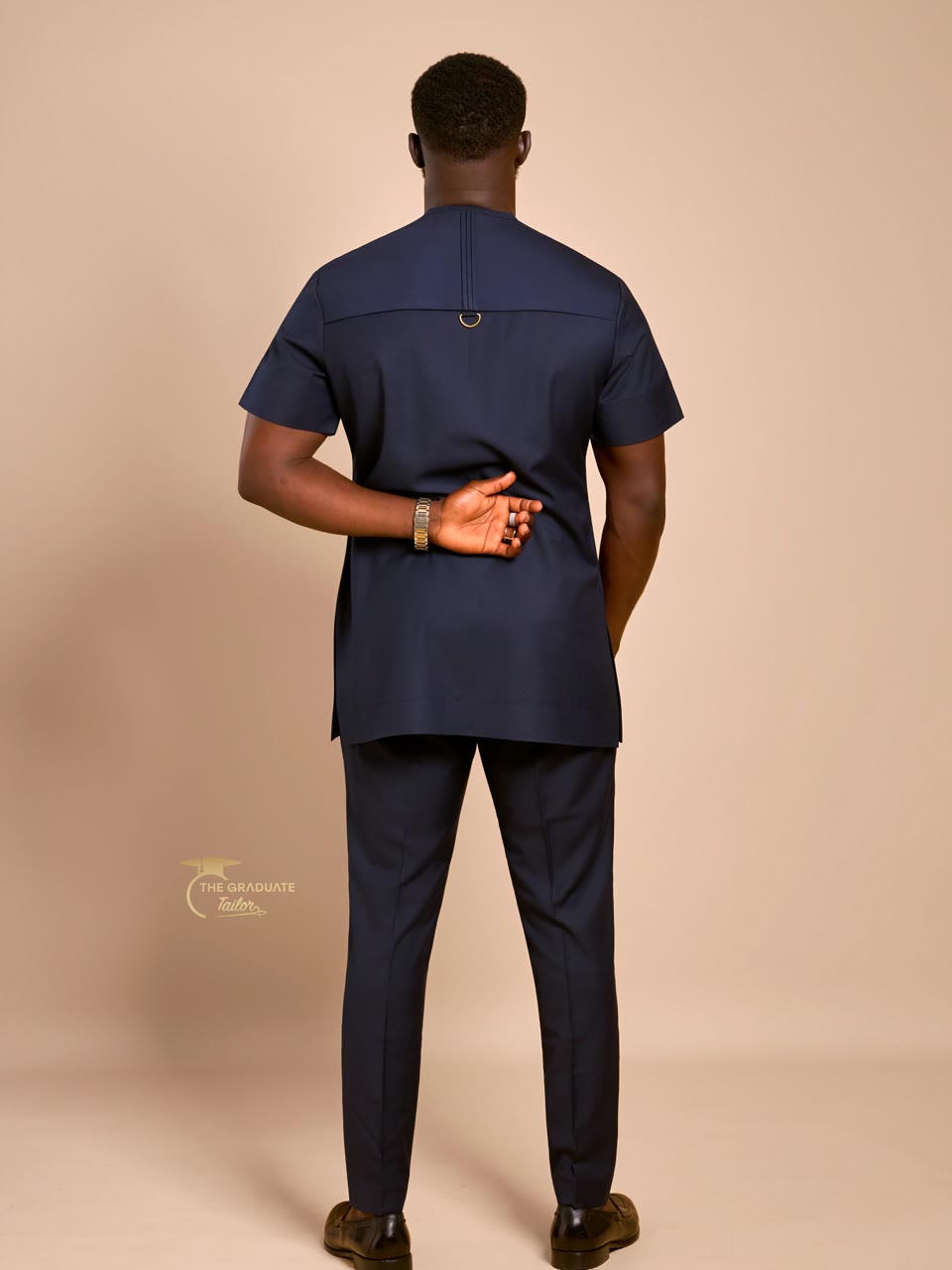
Show the back of the same outfit so the buyer can see its shape and finish.
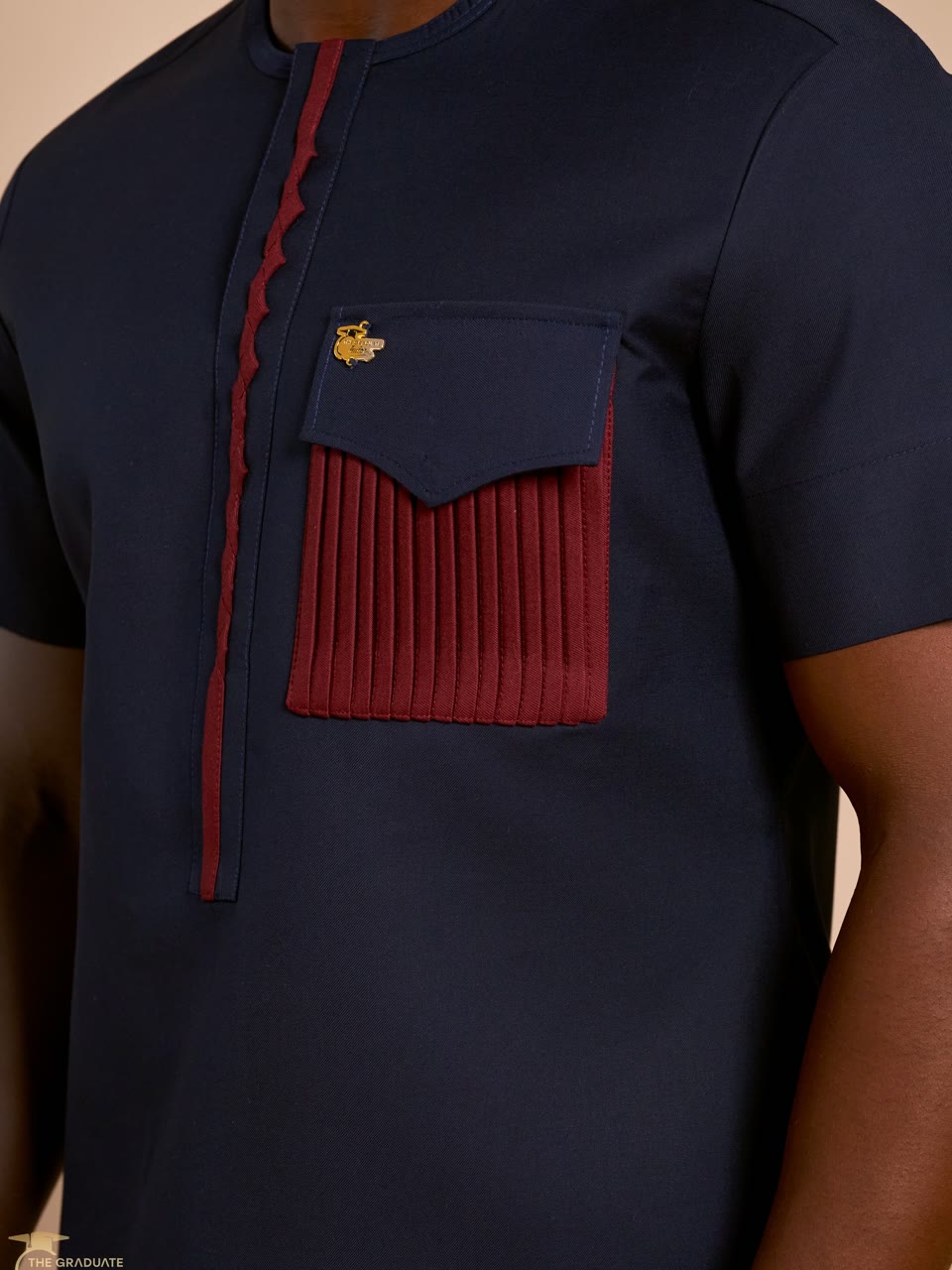
Make the pocket, embroidery, stitching and fabric texture easy to inspect.
Keep every photograph true to the same listing. This set shows the full outfit, its sleeves and drape, and a closer view of the fabric and finishing. The same approach works on a mannequin.
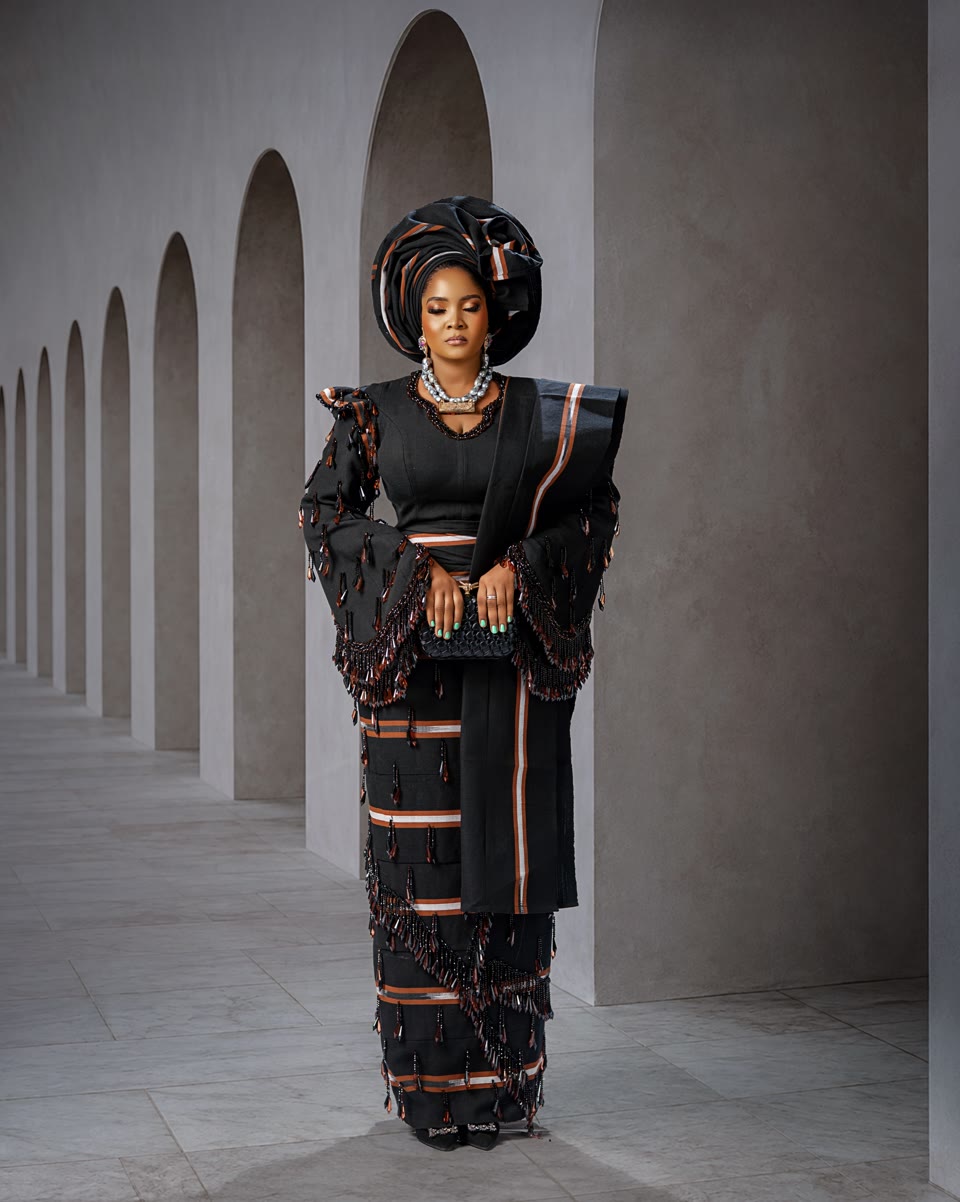
Include the complete blouse and skirt, with the full hem visible.
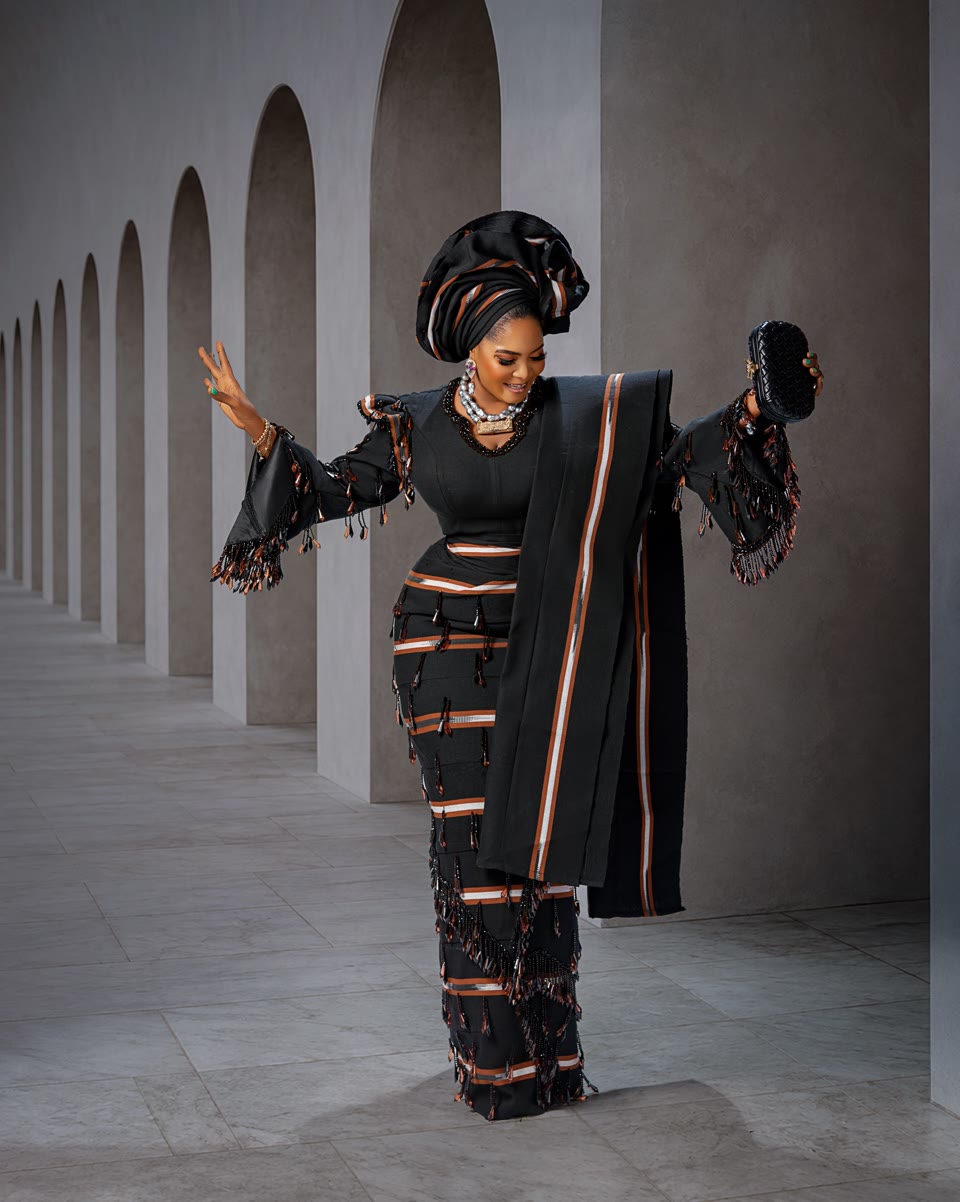
Show how the sleeves and fabric sit, without covering the important details.
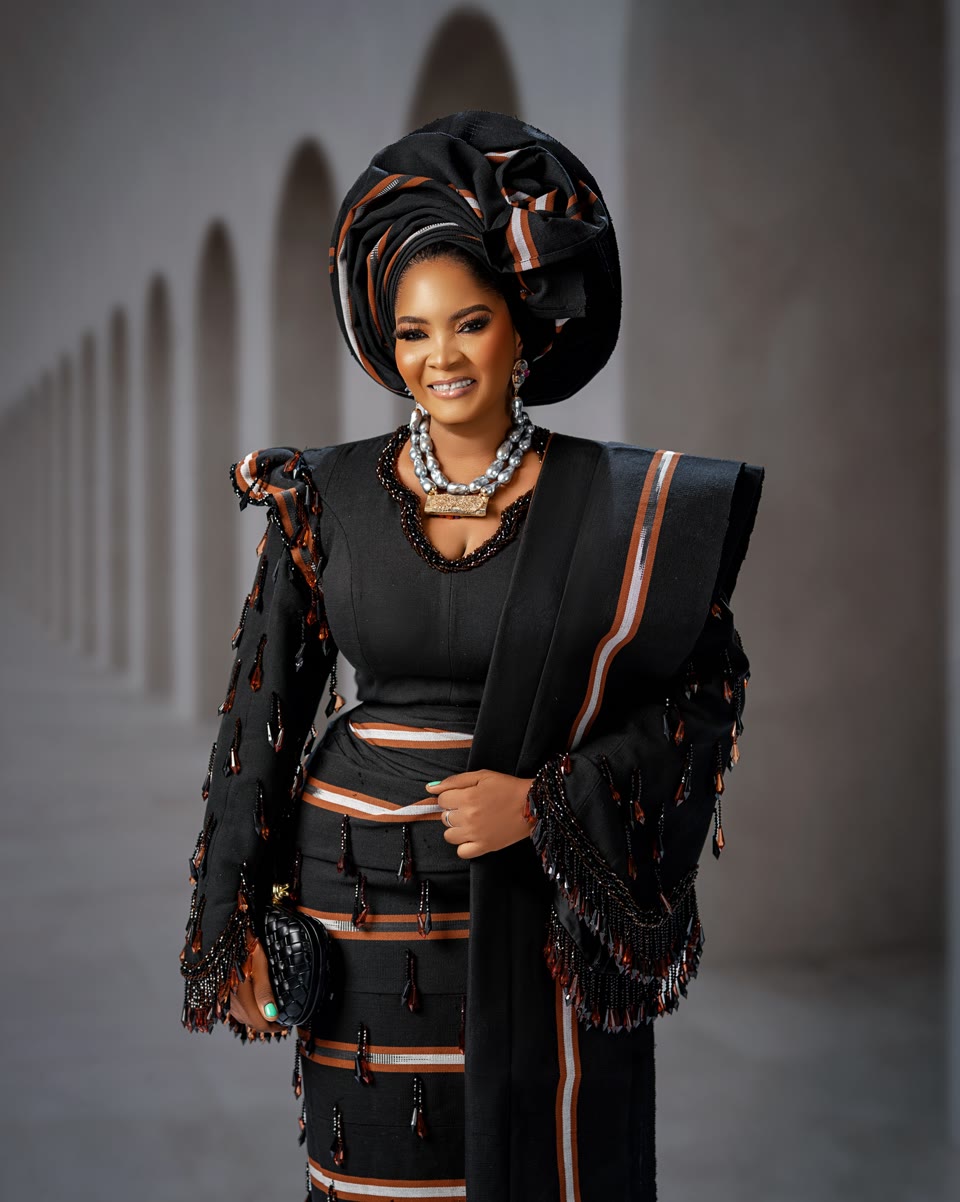
Show the neckline, sleeve finish, fabric and embellishments clearly.
Film the actual outfit on a person or mannequin. Show a complete 360-degree view: front, both sides and back. Keep the whole garment visible during the turn, with steady framing and even lighting.
A blue two-piece outfit shown from the front, around the sides and from the back as the model turns.
A purple agbada shown on a mannequin from several angles, including the back. Use brighter, even lighting in your own recording so dark fabric details remain clear.
A person or a mannequin may wear the outfit. Record the full look from front to back and both sides, then include closer details within the same 10-60 second video.
A silver outfit shown in full, with fabric close-ups and front, side and back views.
Framing reference only: this short clip needs a full 360-degree turn and a 10-60 second runtime before it could be uploaded.
A burgundy dress on a mannequin shows the full front and closer embellishment details.
Before you upload Framing reference only, not an upload-ready video. This clip is about 8 seconds and does not show a complete turn. Your listing video must be 10-60 seconds and include the front, both sides and back. Do not repeat or slow a short clip just to reach the minimum.